Getting-started-with-Autodesk-Fusion
For designing and creating of CAD-Models for Laser-Cutting and 3D-Printing we use Autodesk Fusion, because it is compatible with Windows as well as MacOS.
You can access this software for free over the RWTH using this link:
https://www.autodesk.de/education/edu-software/overview?sorting=featured&filters=individual
On this website you need to choose Autodesk Fusion, and then in the process create an Autodesk-Account.
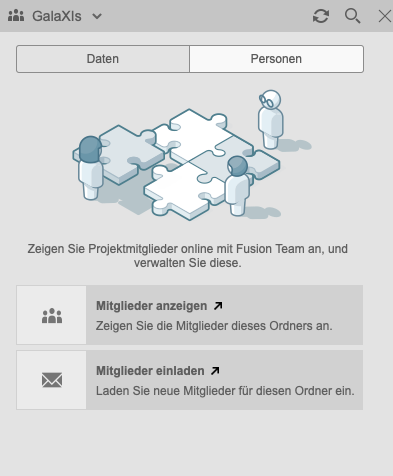
New team member can be added inside the Autodesk Fusion application (on MacOS top right corner -> next to data in the Sidebar)
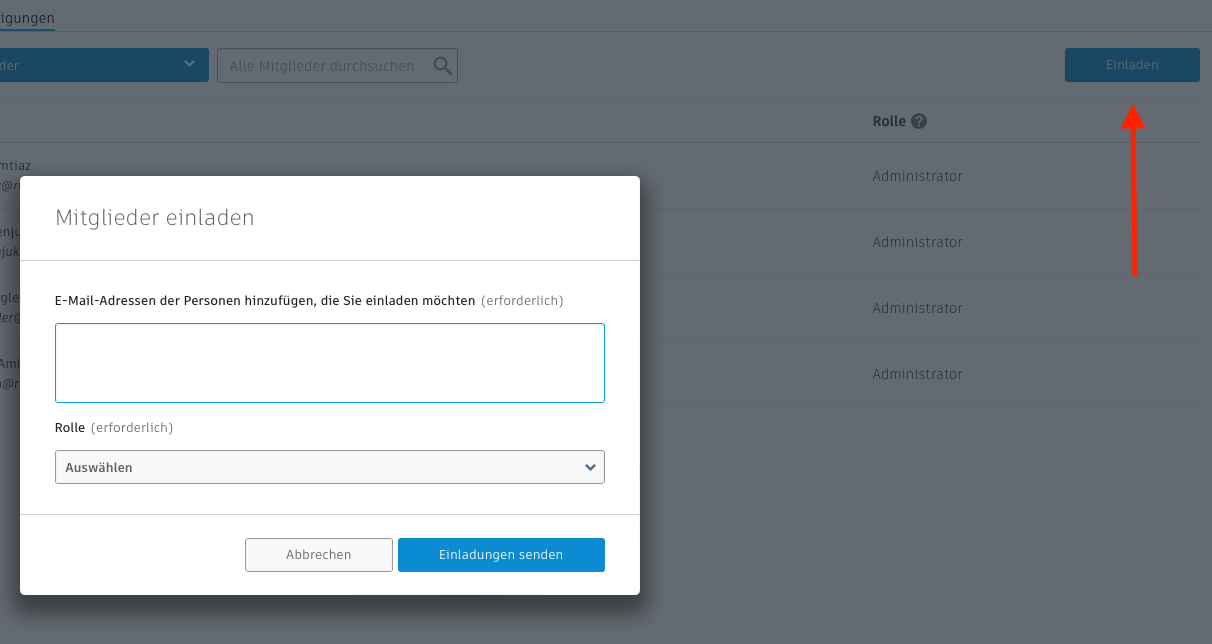
With the invite button you can add multiple people at once, by entering their E-Mail (should be ...@rwth-aachen.de) and giving them a role.