Traffic-Sign-Detection-Documentation
Progress
Active Branches
- ros2_deepstream
- the final system
- darknet_ros_3d
- demo of how we will integrate the realsense camera's depth information into the pipeline
- demo of detected signs with bounding boxes via rviz
- Traffic-Signs-Detection-Tensorflow-YOLOv3-YOLOv4
colab training code/: training notebooks for our current object detection- the rest of the code:
- code from github
- primary and secondary model are called using a python script
- too slow in terms of fps (even on dGPU!)
- no TensorRT acceleration
- model needs a lot of time to "warm up"
- just a quick demo of how the system should work
- Classification
Colab/: training notebook for ResNet using Google ColabTAO/: training notebooks for ResNet50 using Nvidia TAO Toolkit- Note: We will not use the Google Colab ResNet model because it did not work (yet) in the Deepstream pipeline (TODO: figure out why). Instead we will use a ResNet trained with Nvidia's TAO toolkit (see
TAO/folder).
- deepstream_backups
- some backups while testing Deepstream
Usage
# sets environment variables
# (file content is shown below in section "Source Script")
source source_ws.sh

# Depth Camera (publishes Pointclouds)
ros2 launch realsense_examples rs_camera.launch.py

# Deepstream YOLO Detection + ResNet Classification
ros2 run single_stream_pkg single_stream
ros2 run subscriber_pkg sub_detection
ros2 run subscriber_pkg sub_classification

# darknet_ros_3d (publishes 3d bounding boxes)
ros2 launch darknet_ros_3d darknet_ros_3d.launch.py
Note: The ROS-GStreamer-Bridge will be launched automatically (given that the bridge package has been built properly).
Displaying the 3d bounding boxes in RVIZ: In order to display the detected 3d bounding boxes in RVIZ run rviz2 to start RVIZ. Then, load the rviz config file carolo-cup-2023/nodes/realsense_examples/config/demo_rgbd.rviz (click on File → Open Config and navigate to demo_rgbd.rviz). Finally, click on the Add button below the Displays pane. A window will pop up. Switch to the By topic tab and add /darknet_ros_3d/markers to the RVIZ view.
When all nodes have been started correctly, you will see the following output:
$ ros2 node list
/camera
/darknet3d_node
/gst_image_src_node
/inference_publisher
/launch_ros_24790
/launch_ros_25348
/minimal_subscriber
/minimal_subscriber
/transform_listener_impl_55856fb890
and
$ ros2 topic list
/camera/aligned_depth_to_color/camera_info
/camera/aligned_depth_to_color/image_raw
/camera/color/camera_info
/camera/color/image_raw
/camera/depth/camera_info
/camera/depth/image_rect_raw
/camera/infra1/camera_info
/camera/infra1/image_rect_raw
/camera/infra2/camera_info
/camera/infra2/image_rect_raw
/camera/pointcloud
/darknet3d_node/transition_event
/darknet_ros_3d/bounding_boxes
/darknet_ros_3d/markers
/infer_classification
/infer_detection
/parameter_events
/rosout
/tf
/tf_static
Source Script
The bridge will only work, if you source source_ws.sh:
# ====== "source_ws.sh" ========

echo "source /opt/ros/eloquent/setup.bash"
source /opt/ros/eloquent/setup.bash
echo "source install/local_setup.bash"
source install/local_setup.bash
if [ "$DISPLAY" != ":0" ]; then
    echo "export DISPLAY=:0"
    export DISPLAY=:0
else
    echo "DISPLAY variable is already set to ':0'."
fi

# For gst_bridge:
#
# Note: If you don't set GST_PLUGIN_PATH, you must use the
# option "--gst-plugin-path=install/gst_bridge/lib/gst_bridge/"
# in the gst-launch-1.0 pipeline
export GST_PLUGIN_PATH=install/gst_bridge/lib/gst_bridge/
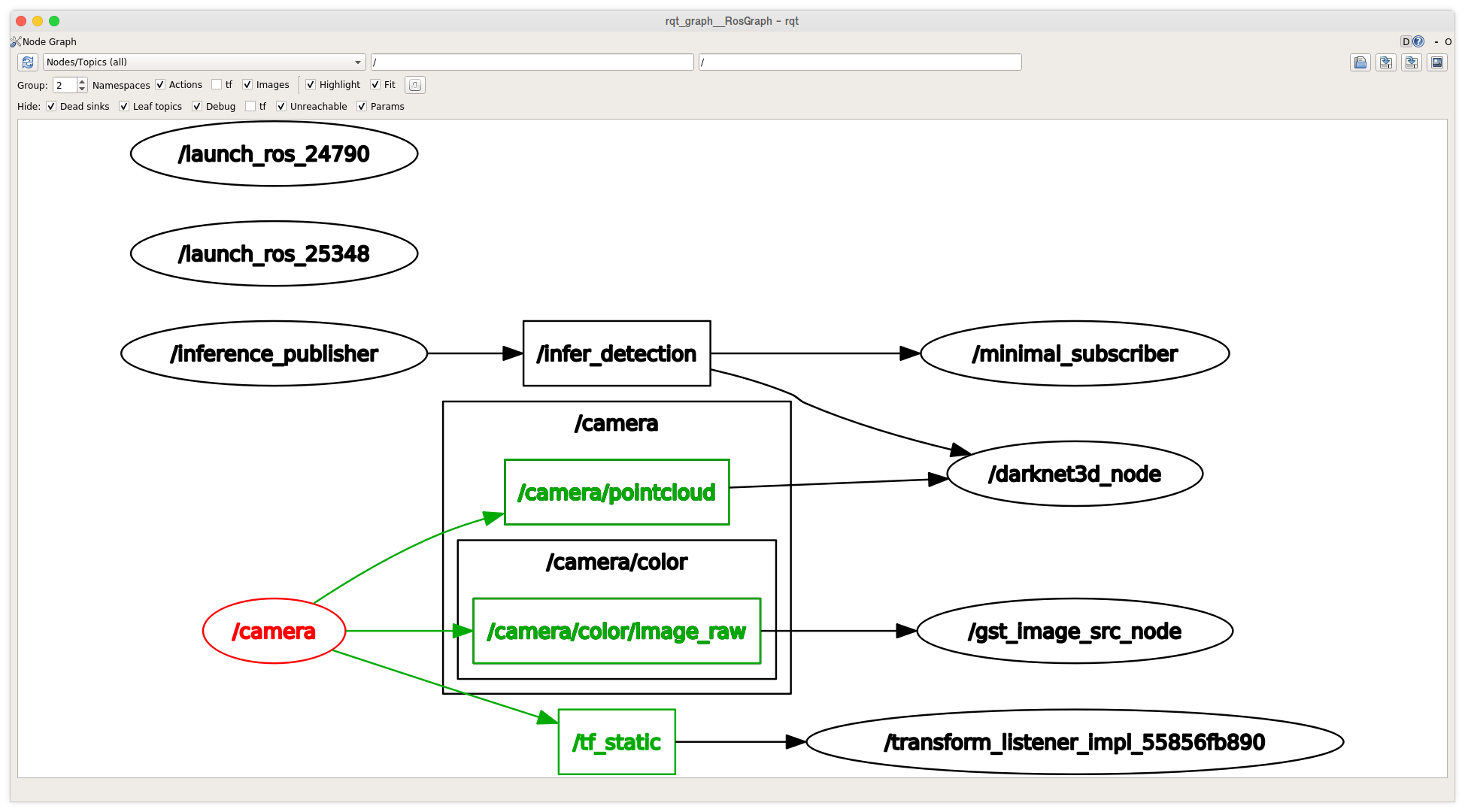
Intel Realsense Camera Node
The node is highlighted in red in the rqt_graph below.
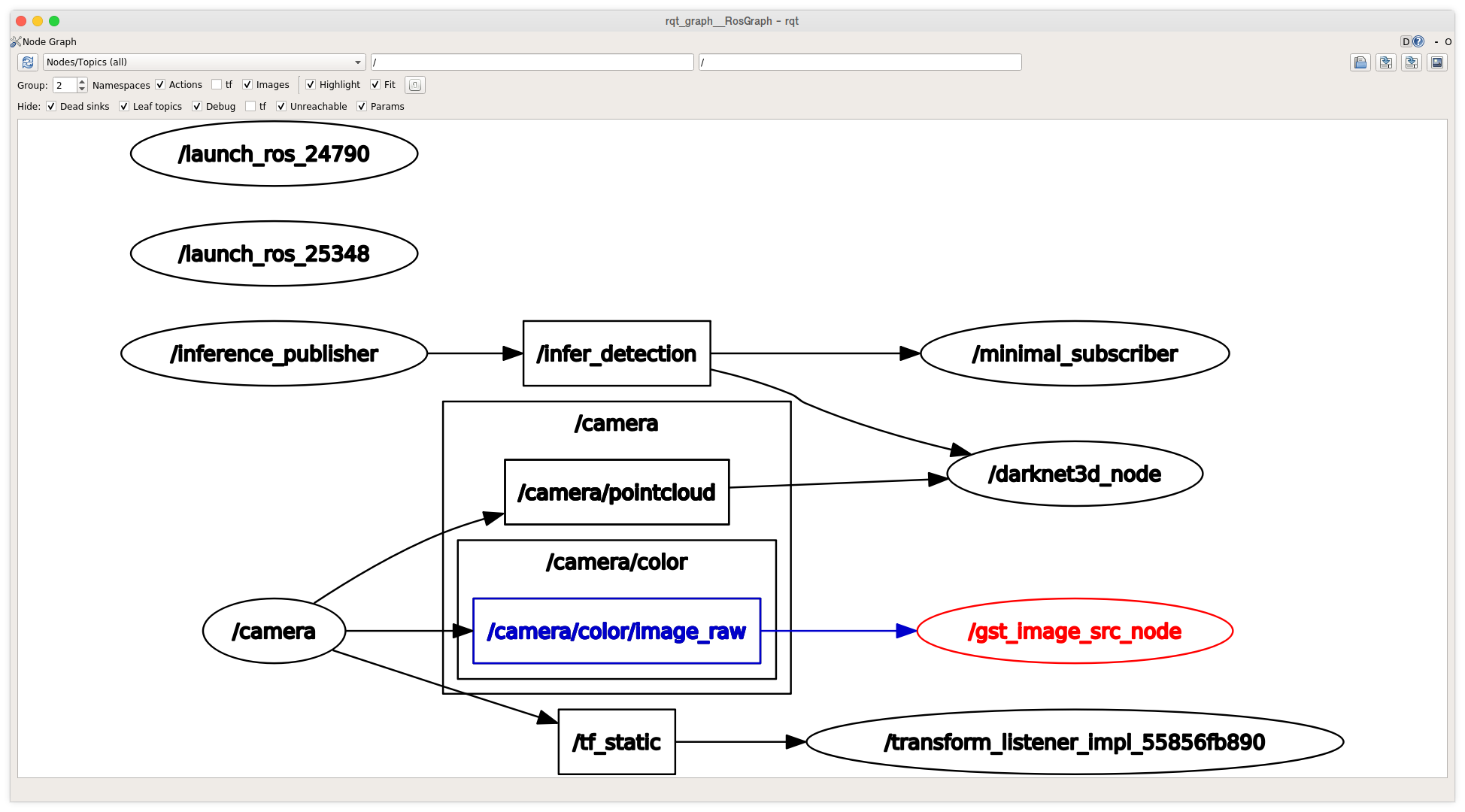
ROS GStreamer Bridge Node
The node is highlighted in red in the rqt_graph below.
ros2_deepstream Node
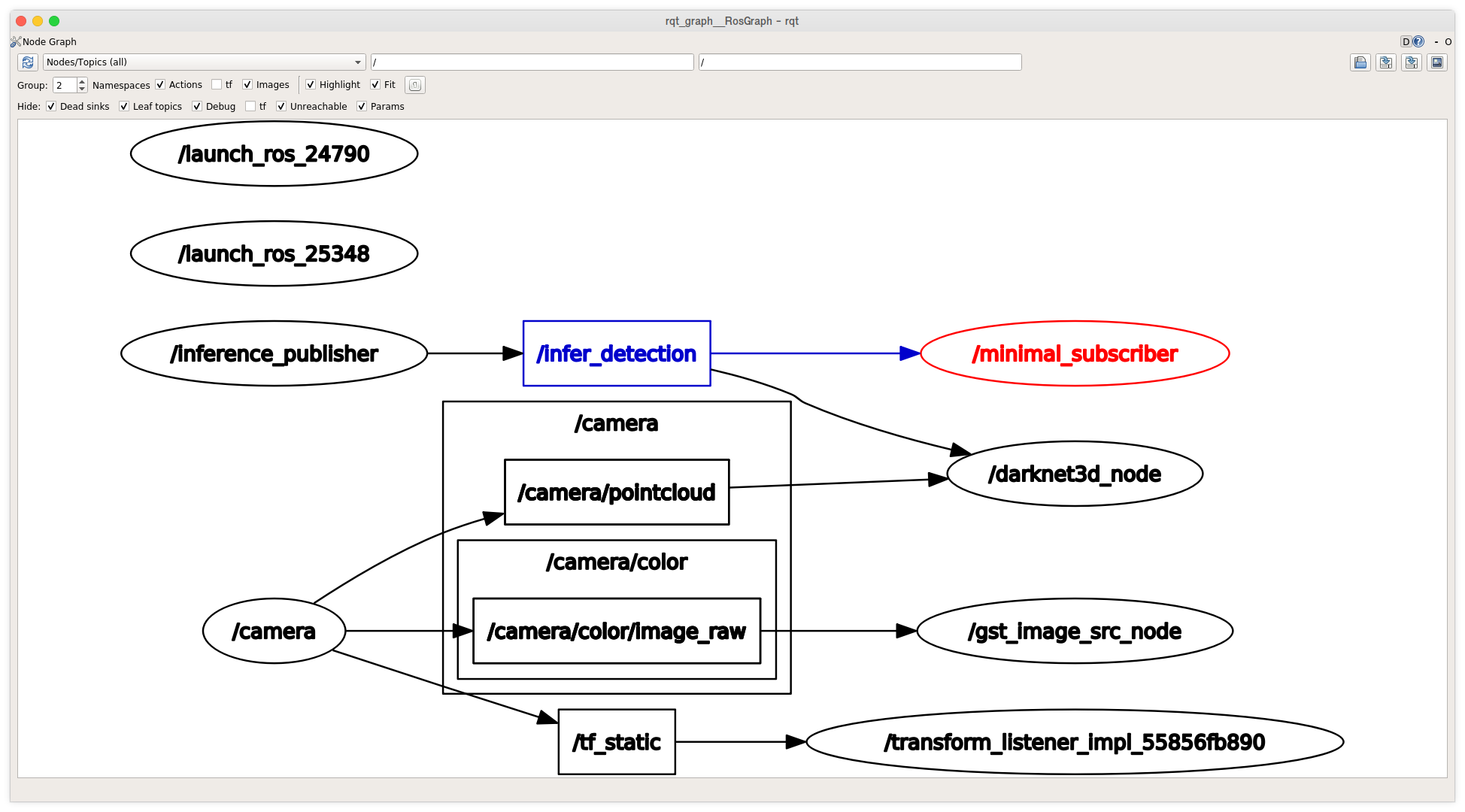
Minimal Subscriber Node
The node is highlighted in red in the rqt_graph below.
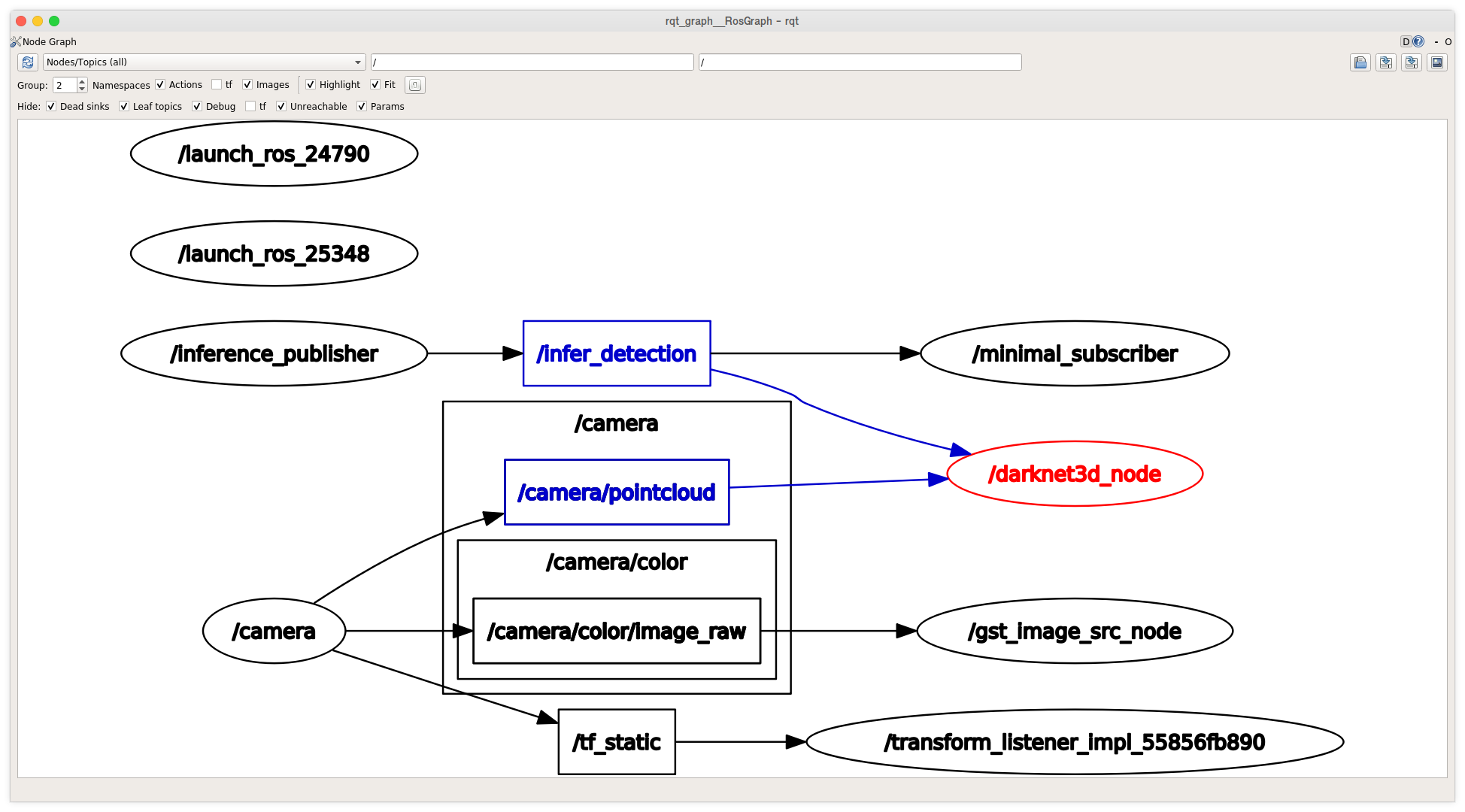
darknet_ros_3d Node
The node is highlighted in red in the rqt_graph below.
Kick-off Presentation (April 26)
- slides
- Note: This is only a coarse high-level overview. We will discuss the details in person or on Discord ...
Folder: notes_traffic_sign_detection
- Contains
- installation instructions (including tips).
- some of my own tests and attempts (see bash history files).
- Hopefully, all this stuff helps you to avoid the mistakes I made. Feel free to ask me, if you have any questions.